
Developing Telegram Bots for Channels
Bots can participate in channels only as admins. Admin rights allow bots to send and edit posts, rename channels, and perform other administrative actions—making them particularly helpful for channel authors.
Admin rights
Just like in groups, channel admins can select specific admin rights for bots. The default options can be configured in BotFather.
Adding buttons to posts
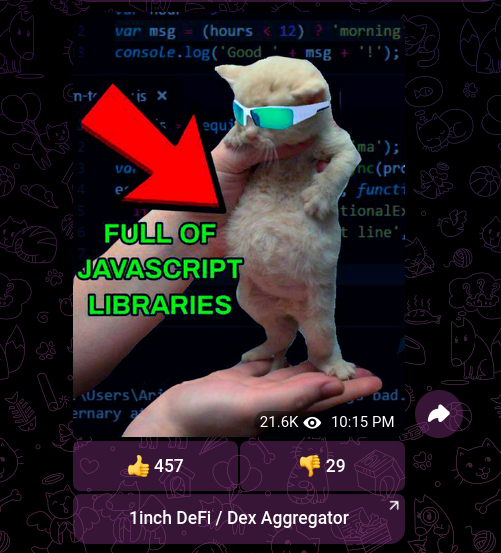
One common use case is adding buttons to channel posts: likes, links, and other interactive elements. This was especially popular before message reactions were introduced.
This works by using the “Edit messages of others” admin right, which allows bots to add buttons when editing messages. Here's an example:
python
@dp.message(F.chat.type == ChatType.CHANNEL)
async def on_new_message(message: Message):
    reply_markup = InlineKeyboardMarkup(
        inline_keyboard=[
            [InlineKeyboardButton(text="Visit Site", url="https://example.com")]
        ]
    )
    try:
        await bot.edit_message_reply_markup(
            chat_id=message.chat.id,
            message_id=message.message_id,
            reply_markup=reply_markup
        )
    except Exception:
        # Bot is not an admin, or the message can't be edited (e.g., a sticker)
        pass