How to Use Telegram Bot Inline Mode
Use inline mode when users need to pick bot-generated content from inside any chat. For actions tied to one message, inline buttons are usually a better fit.
Inline mode is a feature of sending messages “via bots”. When a bot supports the inline mode, users can access it from any chat and send messages generated by the bot. The inline mode works even in chats where the bot does not participate.
This allows bot users, for example, to quickly search for videos or music and instantly send them.
A user starts the inline mode by entering bot username and a space. They may add a text query afterwards if needed; the query can contain up to 256 characters. Then, the menu of results appears. The user clicks on a result to send the message.
Here is a simple example with text results:
@bot.inline_query
async def handle_inline(query: InlineQuery):
    input_text = query.text

    result1 = query.builder.article(
        title='Option 1',
        description='This is the first option',
        text='If chosen, this text will be sent',
    )
    result2 = query.builder.article(
        title='Option 2',
        description='This is the second option',
        text='If the second option is chosen, this text will be sent',
    )
    await query.answer([result1, result2])
Enable inline mode in BotFather and select a placeholder if the default “Search...” is too generic.
Group admins may forbid everyone or selected users sending inline messages. In the official Telegram apps, this group member restriction is united with the restriction to send stickers and GIFs.
Choose list or grid results
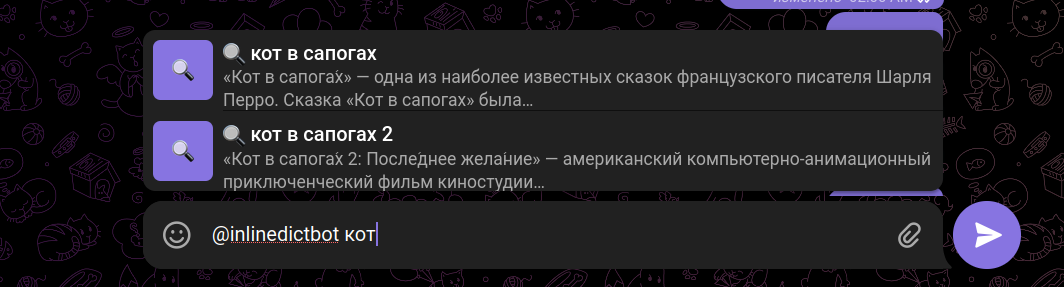
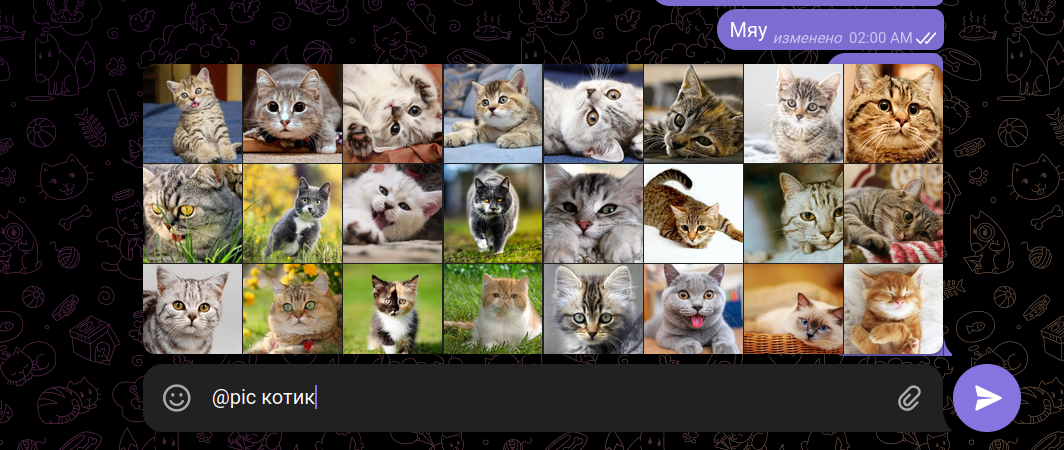
Use a vertical list for text-heavy results and a grid for image-heavy results.
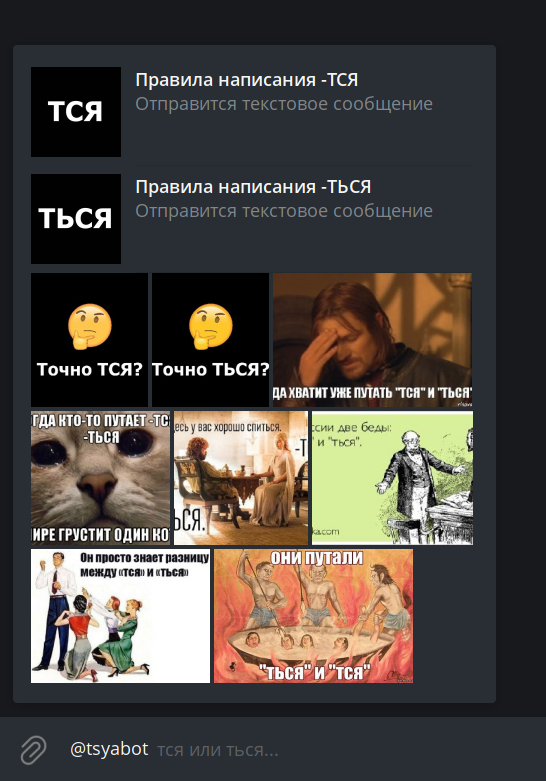
Two layouts may be combined, but apparently this works correctly only in Telegram Desktop (while other official apps show such results in a list.)
Combination screenshot
Turn on inline feedback only when you need it
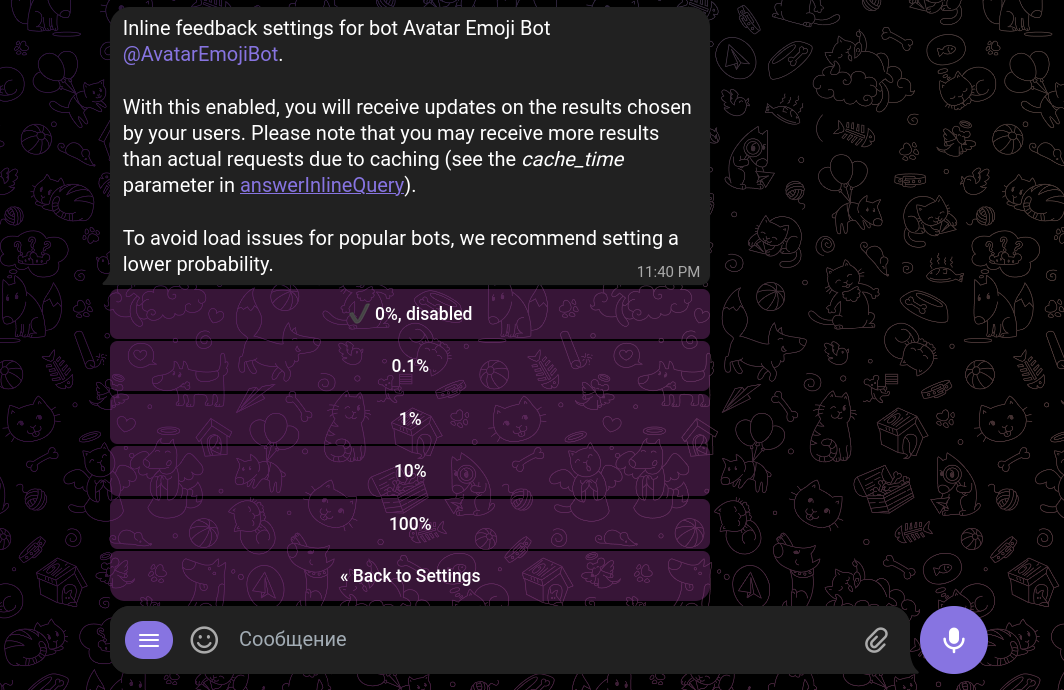
Inline feedback is updates arriving when a user chooses an inline result and sends a message. You will not receive them unless you explicitly turn on this setting in BotFather.
Although the purpose of the inline feedback feature is collecting statistics, bot developers sometimes use it to edit messages after they are sent. This comes handy when the bot should load only the selected result rather then all of them. For example, a music search bot may add a song to a sent message and not load all songs during the search.
Here is a trick: a bot may edit a sent inline message only if it contains inline buttons. (Otherwise, the inline feedback update does not include the message ID.)